Categorize eBay transactions the way you want… plus more

Now that we have officially launched, it is time to get back to making the product better and easier to use. To do that, we’ve focused on a number of enhancements that came directly from our customers.

Customize how eBay transactions are categorized

First up, we heard from a number of people that they would like to be able to change how eBay data gets categorized when it comes in. As a refresher, here is how Seller Ledger handles eBay transactions by default.

But, we’ve heard some great reasons to change the default settings. Some examples include:

  • Putting eBay fees under the “Advertising” category rather than “Commissions and fees.”
  • Putting Shipping costs under “Cost of Goods Sold” instead of “Office Expense.” There’s an interesting debate here, which we plan to tackle in a future blog post.

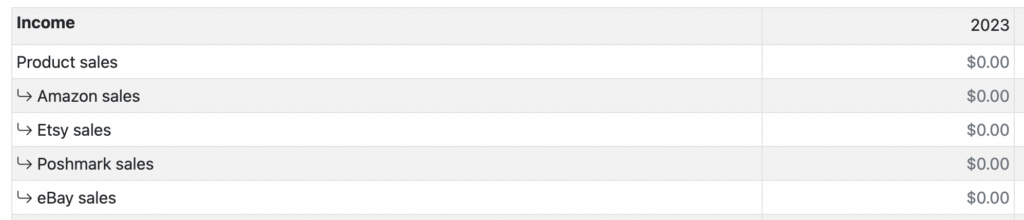
However, one of the coolest ideas was to let customers have eBay order amounts go under a subcategory of Product Sales, so that, if you are a multi-channel seller, you could have a profit and loss that starts with something like this:

Categorize eBay transactions
Custom eBay sales categories

To make this possible, just go to our new “Customize” page under the Settings tab, and edit the transaction types you’d like to change:

Remember, if you want to use any sub-categories for eBay data, you’ll want to create those sub-categories first.

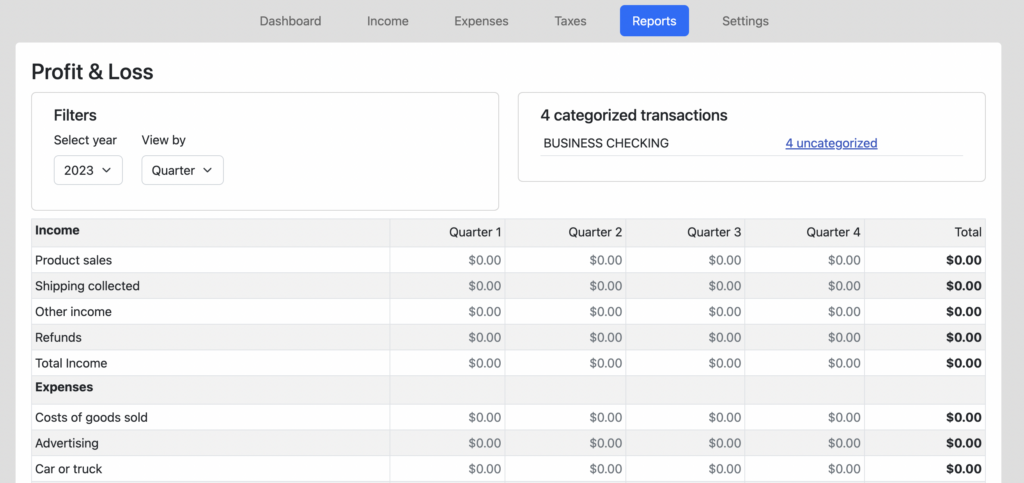
See your profit or loss by month, quarter or year

This one is pretty self explanatory:

Profit and Loss by quarter

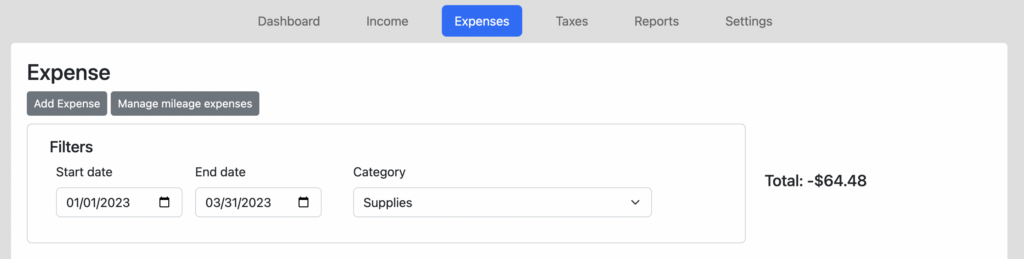
On a related note, we also added totals to top right of the Income and Expense tabs, so when you drill down or filter for a specific date range and/or category, you can see the totals. This will also match the numbers your click from the profit and loss report.

Total of filtered expenses

Ability to delete sub-categories

A small enhancement, but for those of you who add a sub-category but then decide you don’t need it, or made a mistake, you can easily delete them. Of course, if you have categorized any transactions using that sub-category, you will need to re-categorize them. We won’t give you the option to delete a sub-category if there are any transactions using it.

That’s it for now. We’ve got a few other improvements coming soon, so stay tuned.

Bookkeeping for Multiple eBay accounts

Seller Ledger now supports bookkeeping for sellers with multiple eBay accounts.

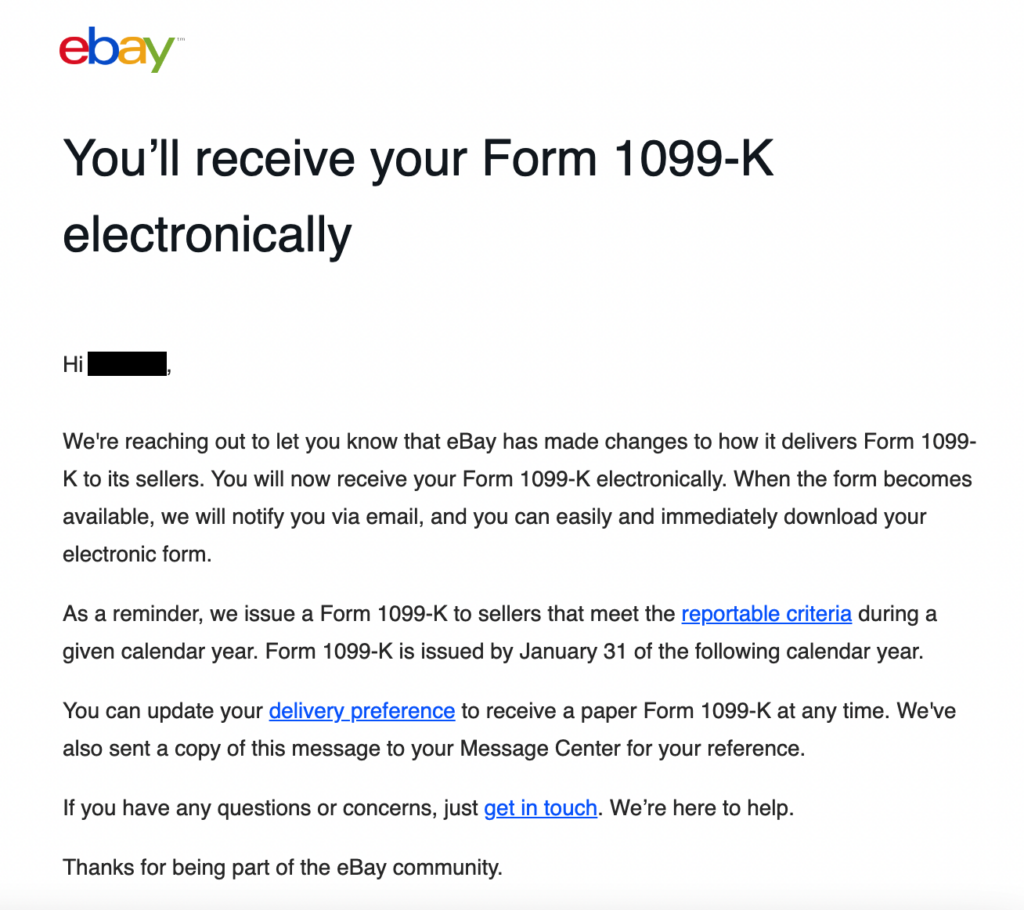
Based once again on feedback from our wonderful customers, we have added the ability to link multiple eBay accounts to Seller Ledger. This is especially important if you are looking to match the 1099-K that eBay sends. If you have multiple eBay accounts under a single Tax ID, eBay combines the totals for all accounts under that Tax ID.

Learn more about 1099-Ks and why bookkeeping helps you avoid unwanted discrepancies.

Connect multiple eBay accounts in Seller Ledger

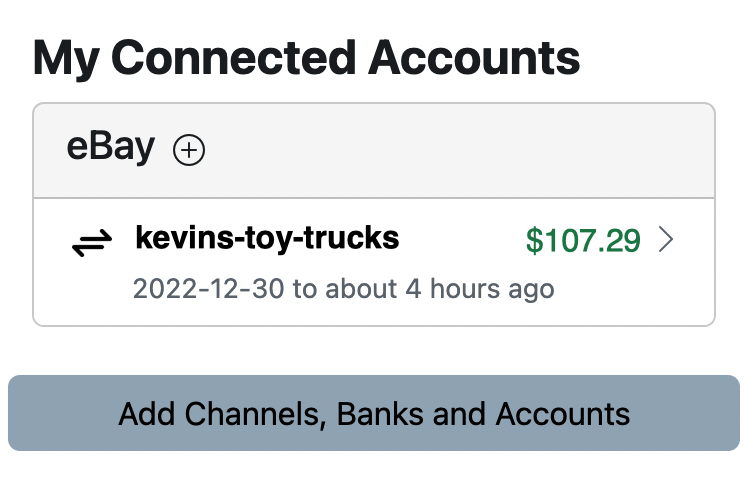
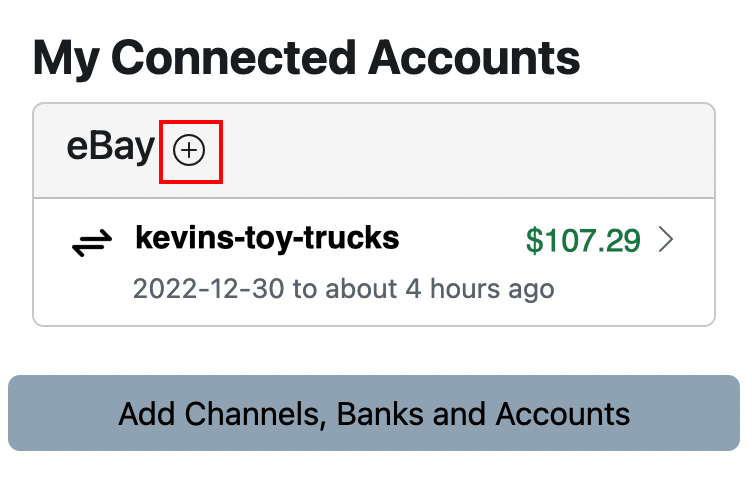
If you have multiple individual eBay accounts, it’s simple to link them with Seller Ledger. First, find your existing eBay account on your Seller Ledger dashboard:

Pro tip

Make sure to log out of eBay before trying to link a second account to Seller Ledger. This way, when we try to link a second account, we will ask you to log into that account rather than just trying to re-link the one you’re already logged into.

To add another eBay account, you have two choices:

One, click the “+” icon next to the eBay heading:

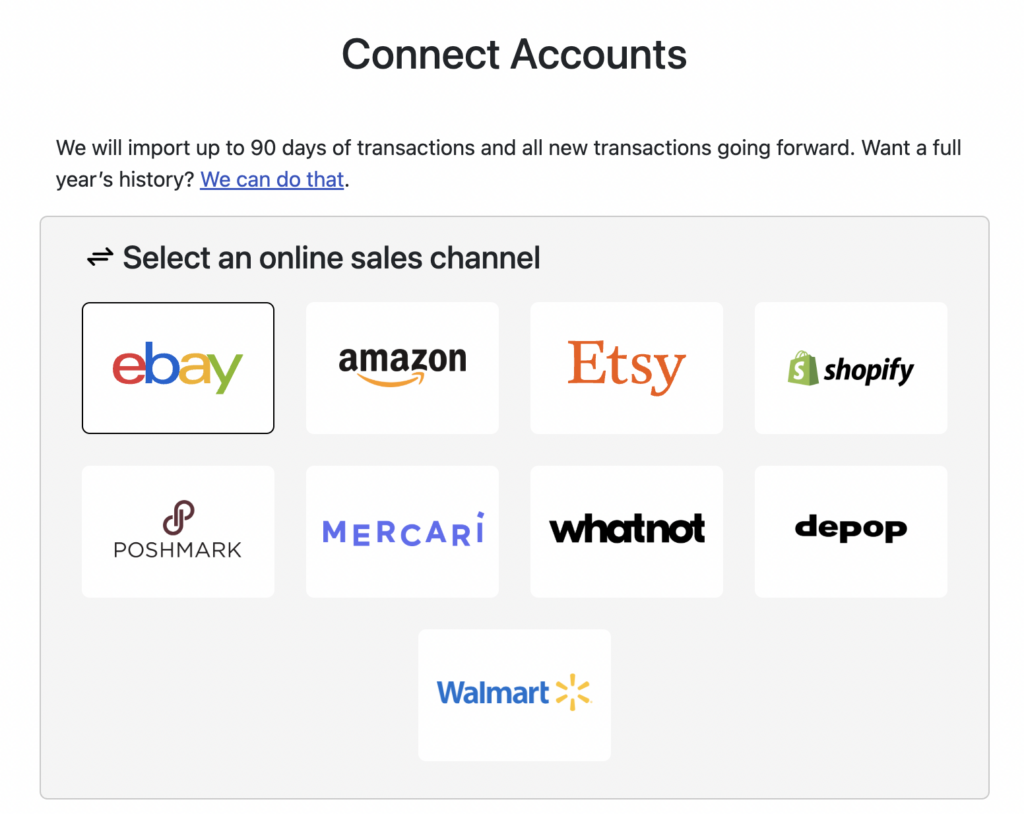
Two, click the “Add Channels, Banks and Accounts” button and then click the eBay logo on the next screen:

That’s it. Seller Ledger will send you to eBay to log into the account you’d like us to add and give us permission to access your data. Once you do, you will see that new account show up on your dashboard:

You can see each account, the current available balance, and how many transactions have been imported. Click through to view the transactions within each account.

To make tax time much easier, we roll up your sales and expenses across all of your eBay accounts into a single Schedule C tax report.

Add as many accounts as you like

Because Seller Ledger only charges based on monthly transactions imported, there are no extra fees for linking multiple eBay accounts. We total up the number of transactions across all of them and charge based on that.

Automated bookkeeping for eBay sellers just got a lot easier for sellers with multiple accounts.

As always, keep the feedback coming. We’ll see you at the next feature announcement.

New Bookkeeping Website for Online Sellers

We’re Seller Ledger and we’re here to automate bookkeeping for online sellers.

Why a new bookkeeping website?

Hi, this is Kevin. I was the founding CEO of Outright.com, a bookkeeping website for online sellers that eventually became GoDaddy Bookkeeping. As many of you are painfully aware, GoDaddy Bookkeeping was shut down mid-year in 2022. We were not happy with the demise of something we had worked so hard to create.

We then looked at the market to see what alternatives existed and if folks were happy with those solutions. Turns out, not so much. So, we started reaching out to sellers to see if there might be interest in a new bookkeeping website for online sellers. The response was very positive.

So, in a rapid sprint, we’ve put forth a new product called Seller Ledger to fill the gap in the market. Our initial focus has been on eBay sellers, with plans to add additional marketplaces and sales channels soon. With the help of a tremendous group of initial customers/alpha testers, we’ve built and launched a first version of the product.

What Seller Ledger does

Our product helps automate your eBay bookkeeping in 3 easy steps:

1. Import your sales and fee history

Connect your eBay account to Seller Ledger and we will pull in your transaction history every 3 hours.

2. Generate real-time profit and tax reports

We categorize all of your transaction details, including shipping amounts collected and fees charged, showing you an up-to-date profit and loss report as well as a pre-populated Schedule C tax summary.

3. Manually enter other transactions

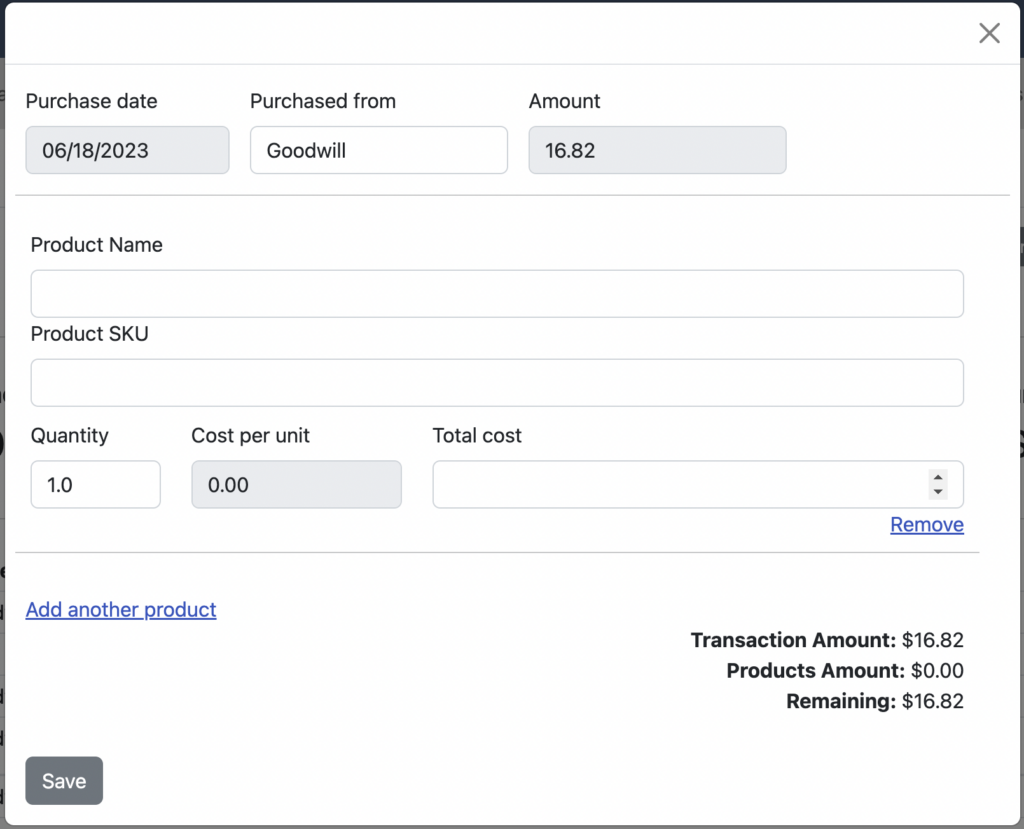
To complete your financial picture, simply add business transactions we don’t know about, like the cost of items you sold, off-marketplace sales and even mileage expenses.


bookkeeping website for online sellers

We’re keeping Seller Ledger free for the time being, as we continue to add features and functionality. During this time, we encourage prospective customers to reach out to us directly.

The Seller Ledger Team