
Choose the date to start importing transactions

Since we launched, Seller Ledger has automatically imported up to 90 days of transaction history from connected marketplaces, eCommerce platforms, banks and credit cards. This was designed to give everyone a chance to really get to see how the software works for them, on real data, during the 30-day free trial.

However, a number of customers over the years have asked for the ability to choose a specific start date. This has been most prevalent at the beginning of tax years, as customers like to start “fresh” (often after switching from more expensive, more complex solutions:)
Seting your own start date
While Seller Ledger still imports 90 days automatically, it is now super simple to go in and change, on connected-account by connect-account basis, when you would like data to import from.
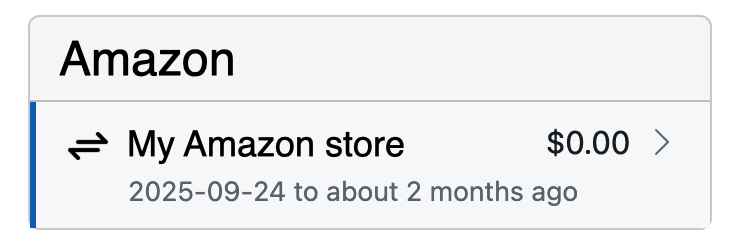
First, just click on the connected accounts whose import start date you’d like to change:
Next, click on the edit/pencil icon at the top of the account view:

You’ll see a new option to choose a start date. Just pick the start date you’d like:

Click “Save” and you’re all set.
If you had any transactions prior to the new date you’ve entered, they will be deleted from the system. If you don’t want those older transactions deleted, DO NOT set a more current date than you want transactions for.
Billing limitations still apply
If you are just starting a free trial, you won’t be able to enter a date from the start of the prior tax year (or longer.)