
Introducing Multi-user Support

As bigger companies have started using Seller Ledger, we’ve started to get more requests to provide access to multiple team members. Well, we now have that!

Like we did when rolling out access for accounting professionals, Seller Ledger account owners can grant access to other team members. The same permission restrictions apply – team members will be unable to do the following:
- Add or remove connected accounts, banks or credit cards
- Change your billing information
- Change your business name
To add a team member, simply go to Settings -> Business and click the button to “Add Team Member”.

This will pull up a form asking for an email address. Just enter that and click “Invite”.
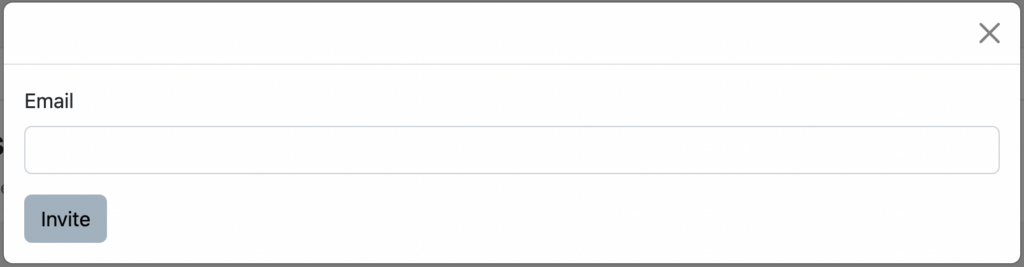
That’s it. Your team member will receive an invitation to create an account on Seller Ledger to access your business books.
And, just like with accounting professionals, you can revoke access at any time. And there are no additional costs for using this feature.
Ready to automate your eCommerce bookkeeping?
Join thousands of sellers who save hours every month with Seller Ledger.
No credit card required