
Automate Your Mercari Accounting

Mercari customers have been able to upload their sales history into Seller Ledger via CSV files for a while. But we are pleased to announce that you can now further automate your Mercari accounting.

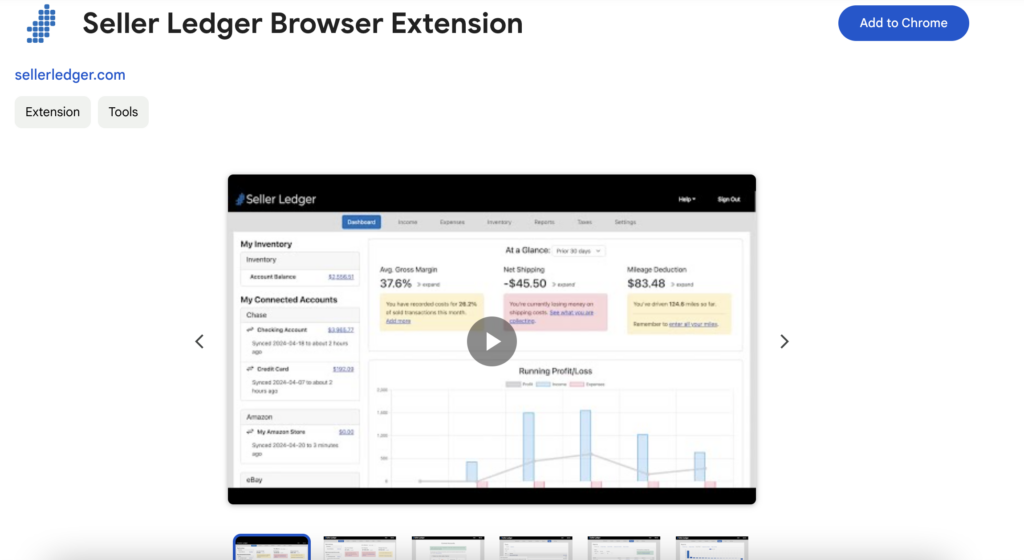
Using the Chrome browser and Seller Ledger’s custom-built Browser Extension, Mercari sellers can now get their sales and fee history imported into Seller Ledger on a nightly basis. Not only that, but we also now import your payout information (which is not included in the downloadable sales reports from Mercari).
How to automate your Mercari accounting
In order to fully automate your Mercari accounting within Seller Ledger, you only need two things:
1. You should use the Chrome browser when accessing Seller Ledger so that you can also make use of the second tool (below).
2. Once you are using Chrome, you will want to install Seller Ledger’s custom-built Browser Extension. This extension allows Seller Ledger to automatically pull down and import the proper transaction details.
To learn more about how to automate Mercari accounting, view this support article.
Once you are properly set up, Seller Ledger will regularly access your Mercari account and retrieve the order, coupon, shipping, and fee information.
Ready to automate your eCommerce bookkeeping?
Join thousands of sellers who save hours every month with Seller Ledger.
No credit card required