
Automate Accounting for Mana Pool Sellers

As you may have seen in our recent efforts to help card sellers via our TCGplayer integration, we are pleased to announce that you can now automate accounting for Mana Pool sellers as well.
Connecting your Mana Pool account
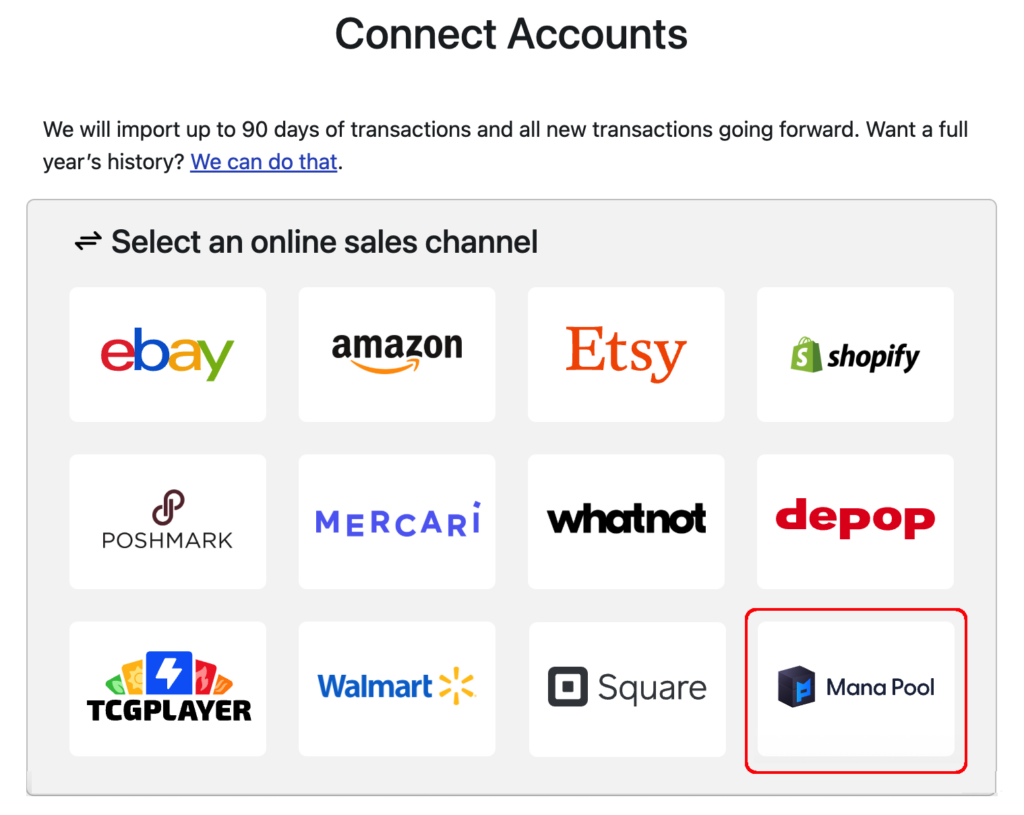
To link your Mana Pool account, simply click the “Add Channels, Banks and Accounts” button on your dashboard. Then, click the Mana Pool logo:
On the next screen, you’ll need to enter the email address you use with your Mana Pool account, as well as your API Key. This allows Seller Ledger to connect directly to your account and pull in your sales and fee history.

Once you do this, Seller Ledger will start importing your sales and fee history from Mana Pool, and will continue to update each and every day.
Ready to automate your eCommerce bookkeeping?
Join thousands of sellers who save hours every month with Seller Ledger.
No credit card required